Web app · Android app
Industrial inspections. On the plant. In your pocket.
Amberhold is a web app: it runs in the browser on any phone, tablet or desktop, with nothing to install. It is also an app on Android. Either way, operators walk their rounds one point at a time, with recent readings in view, each reading recorded against your limits and each piece of equipment identified by its QR label, or by an NFC tag in the Android app.
iPhone
Coming soon. Until then, Amberhold runs in the browser on iPhone.
Not using Amberhold yet? Try a round on the fictional demo plant in your browser, no account needed →
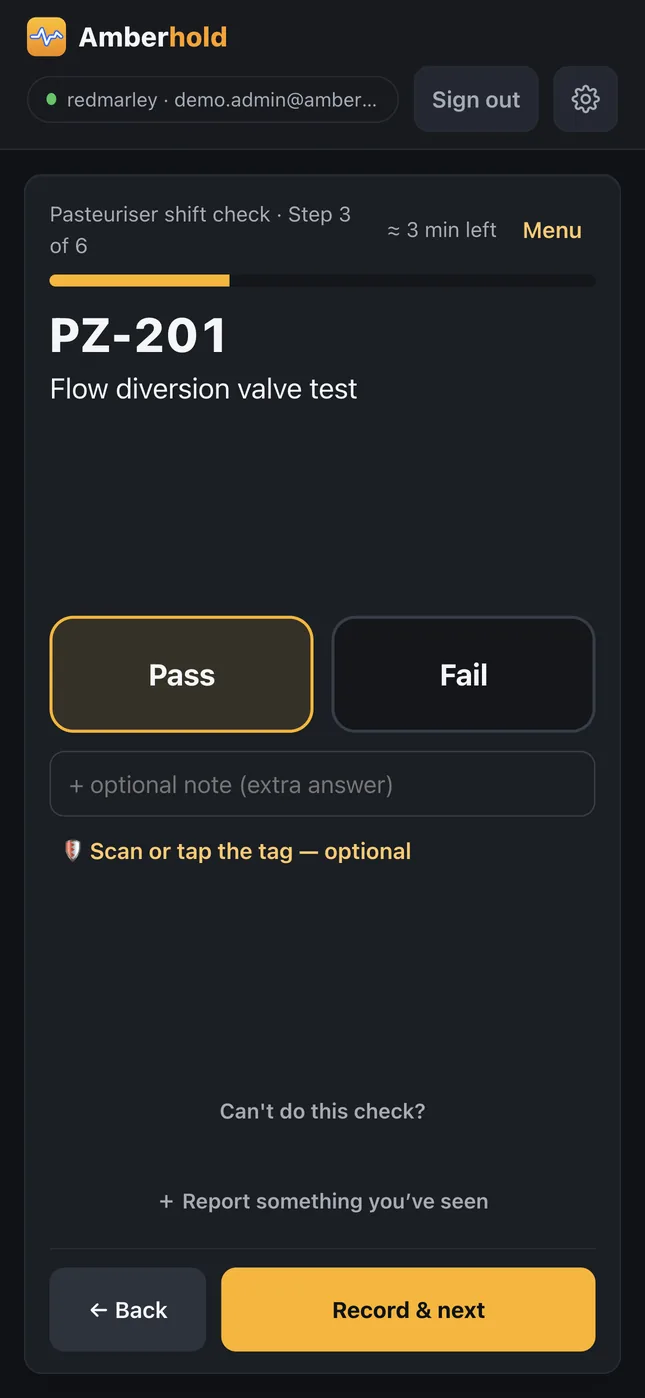
What operators do, in the browser or the app
Walk the round
Scheduled rounds appear on the board. The operator walks them one point at a time, with recent readings in view.
Record against your limits
Each reading is kept with the limit that applied when it was taken. A reading beyond your action limit is flagged as it is entered and listed under Needs attention.
Identify the equipment
A QR label or an NFC tag at each point identifies the equipment the check is about.
Report something you've seen
A leak, damage or something out of place, recorded in the operator's own words, even when no round asked about it.
Temporary controls
Each declared control stays on the board with a check scheduled each shift, until a manager clears it with a reason.
A gap stays visible
A missed round stays on the board as overdue until it is completed late or acknowledged with a reason.
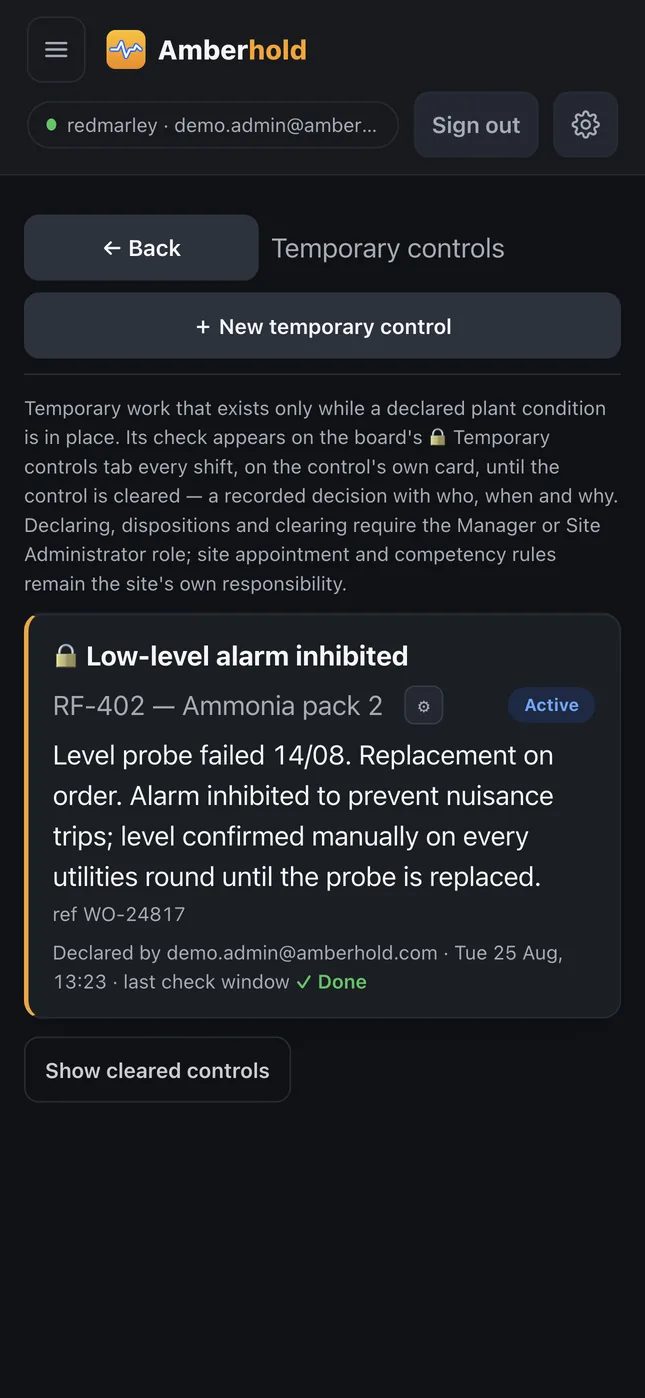
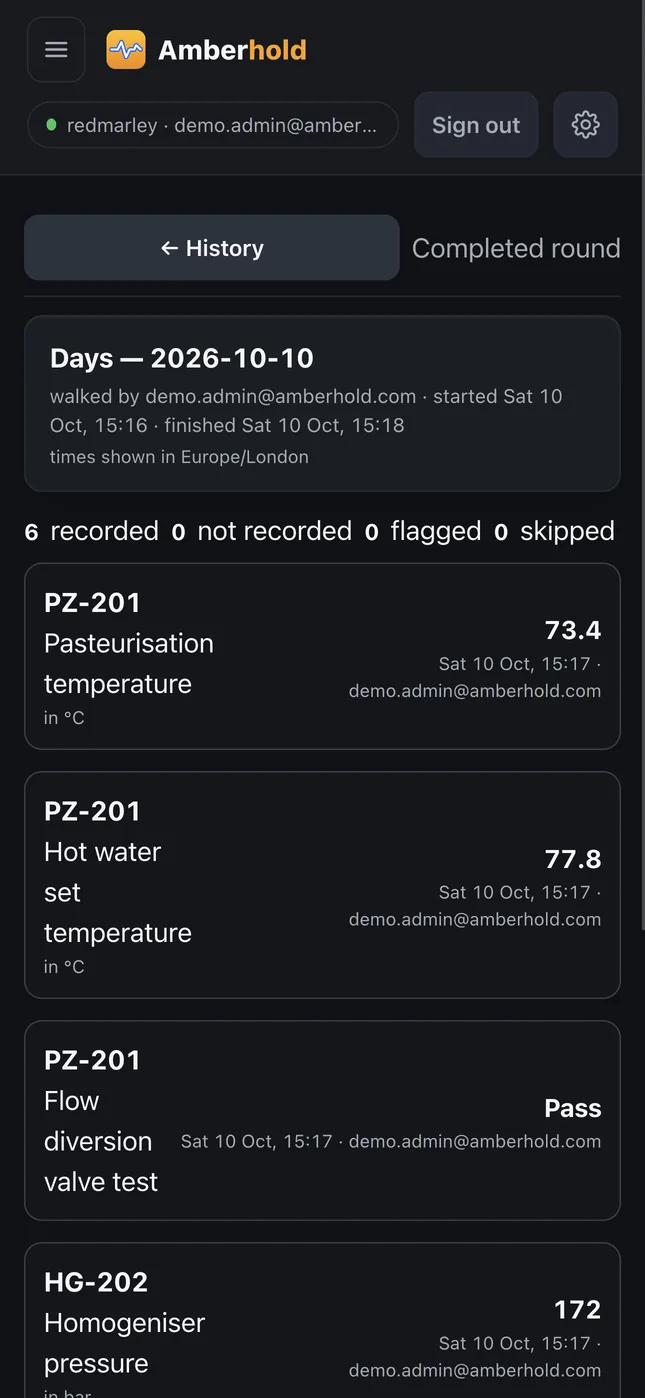
Screens from the fictional demonstration plant.
Questions we actually get asked
- Do operators need their own account?
- Yes. Each person signs in with the account their employer gives them, so every reading carries who recorded it. Access is managed per site by your administrators.
- Do we have to use NFC tags?
- No. A check point can require a QR scan, an NFC tap, or either. QR labels print from Amberhold onto standard label stock.
- Is there an iPhone app?
- Coming soon. Until then, Amberhold runs in the browser on iPhone.